How to pin a job vacancy?
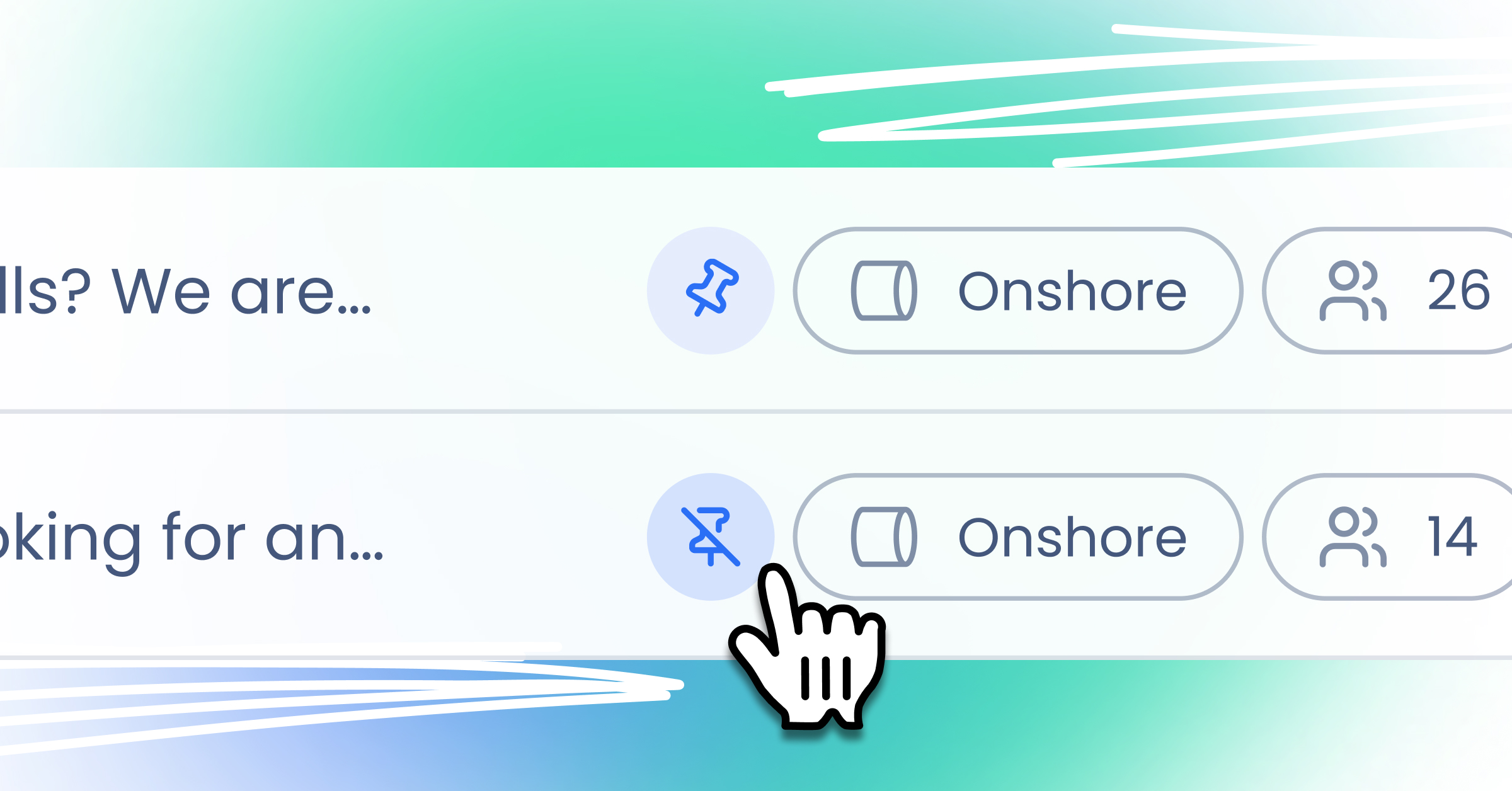
Pinning a vacancy in Sterndesk helps your most important job posts stand out. A pinned job always appears at the top of the job list - both in the app and on your career site - making it more visible to candidates and recruiters alike.
Important: You can pin up to 5 job vacancies at the same time.
How to Pin a Vacancy
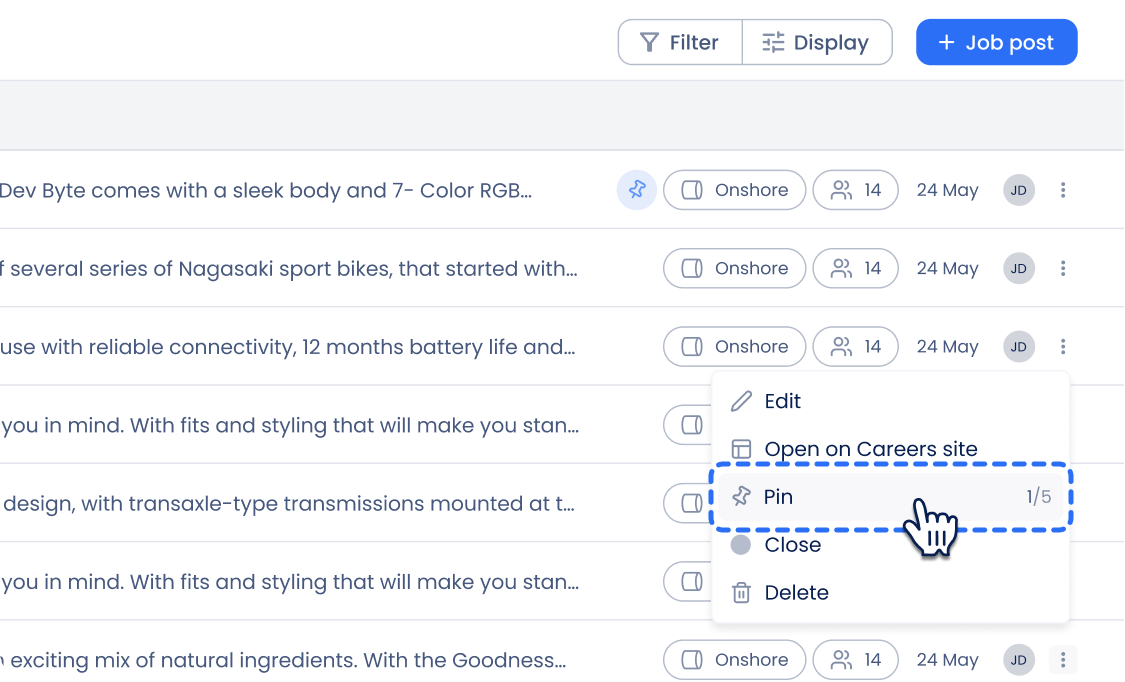
- Open Job Postings
In the left navigation menu, click Job postings to open the list of all your vacancies. - Find the Vacancy You Want to Pin
Locate the specific job posting you would like to pin. - Open the Context Menu
On the right side of the vacancy row, click the three dots (context menu). - Select “Pin”
From the dropdown menu, click Pin.
The vacancy will now appear at the top of the list.
How to Unpin a Vacancy
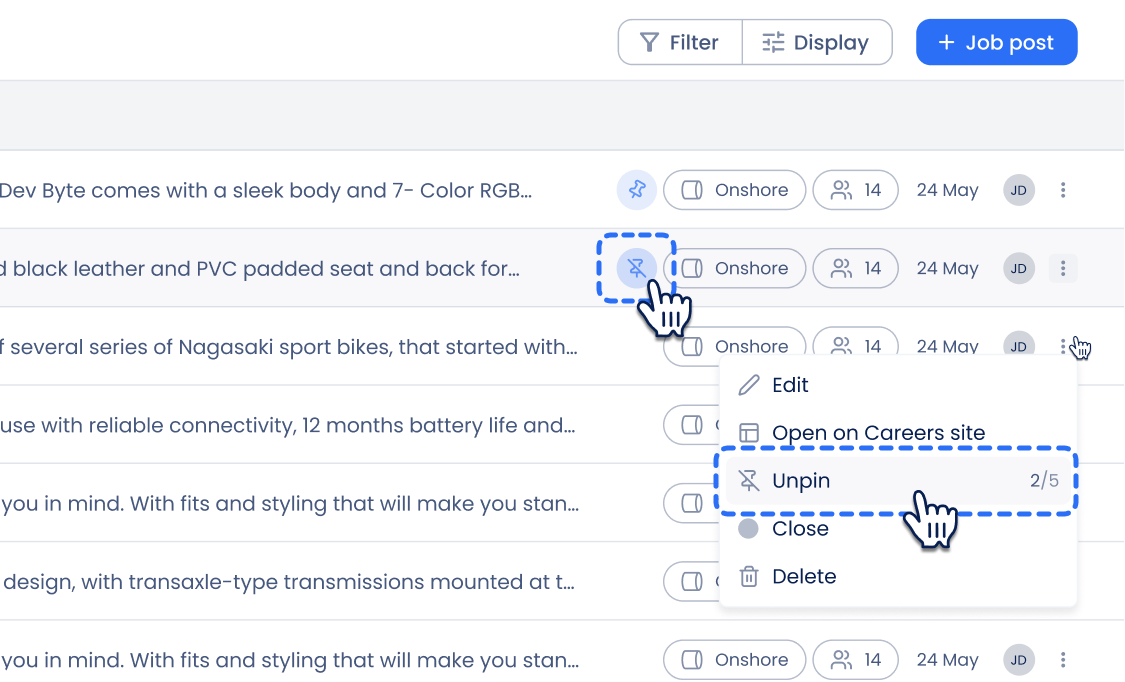
If you no longer need a vacancy pinned, you can remove it in two ways:
- Click the pin icon next to the vacancy badges.
- Or open the same context menu (three dots) and select Unpin.
Once unpinned, the vacancy will return to its normal position in the job list.
Need help creating a vacancy first?
How to Post a Vacancy?
Learn how vacancies appear on your public site:
How Do I Set Up My Career Site?
Can't find what you're
looking for?