How to use personal API access?
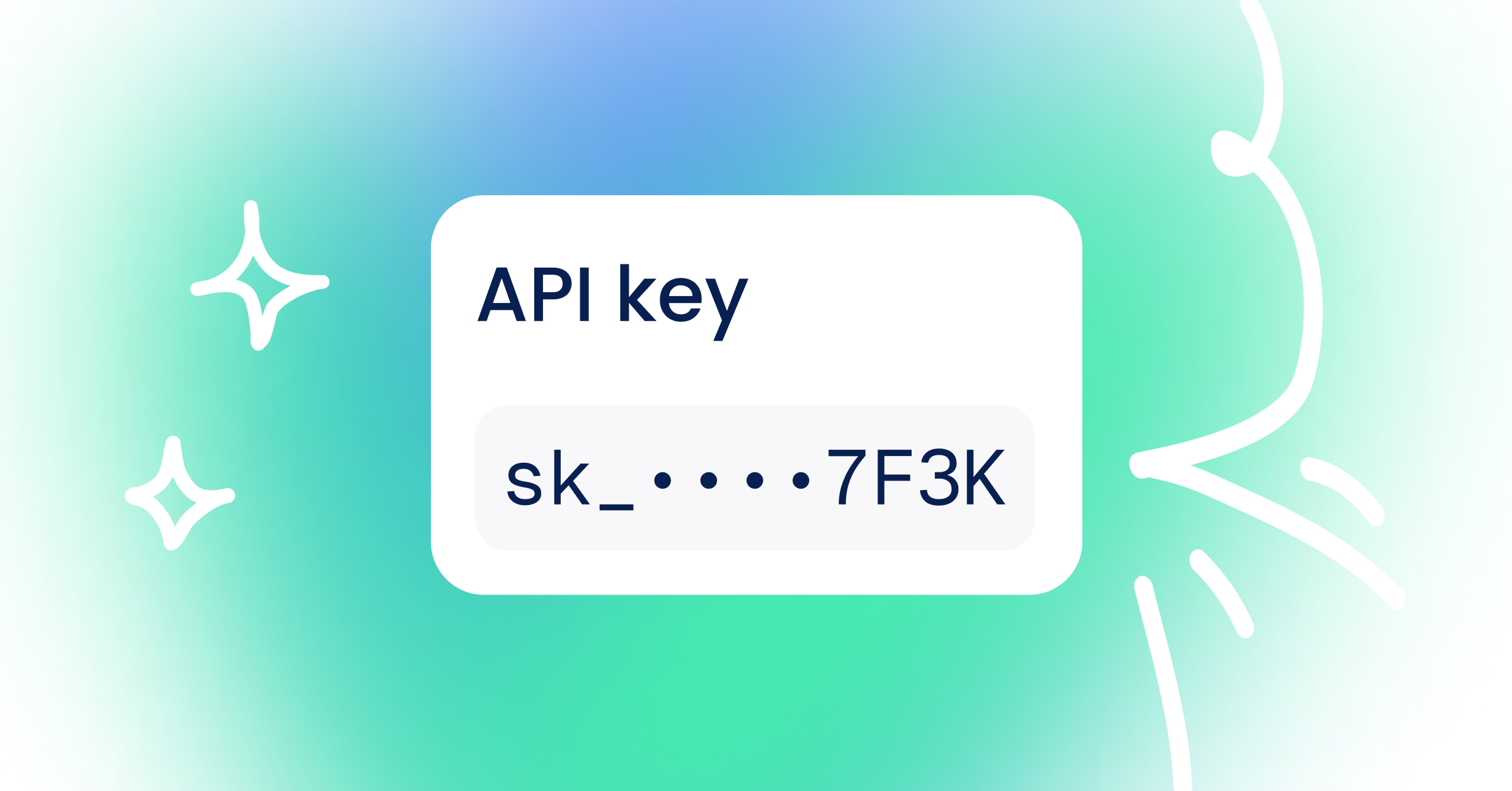
Personal API Access allows you to securely connect external tools, scripts, or AI agents to Sterndesk using your own API key.
API keys are connected to your Sterndesk account and organization and can be managed from your account settings.
Who Can Create an API Key?
Personal API keys can be created by Owners and Admins.
Currently, API keys provide read-only access to Sterndesk. They can be used to retrieve information, but they cannot be used to create, edit, or delete data.
Creating an API Key
To create a new API key:
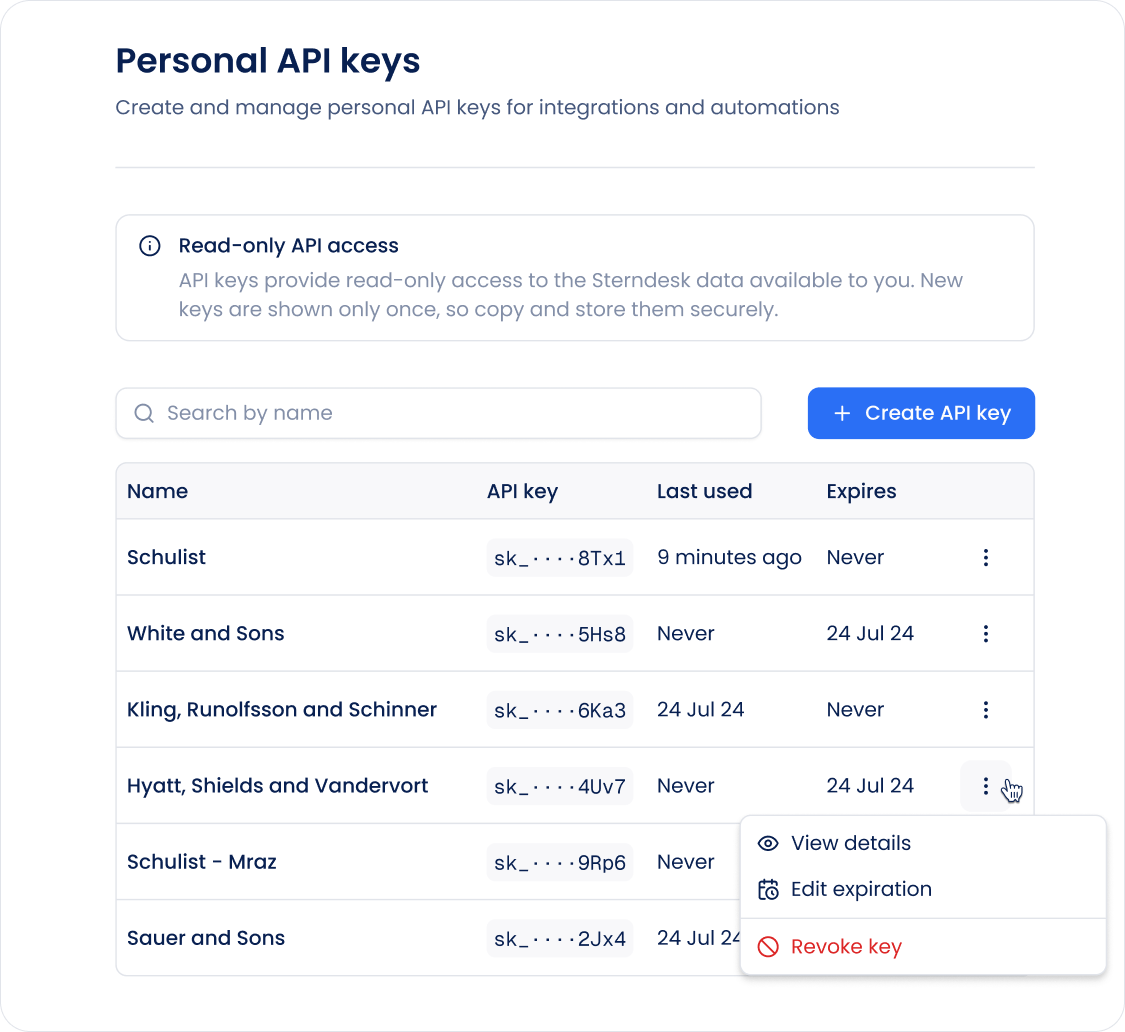
- Go to My Account → API Keys.
- Click Create API key.
- Enter a name that will help you recognize what the key is used for.
- Click Create.
- Copy and securely store your API key.
Important: The full API key is shown only once after it is created. Make sure to copy and store it somewhere secure before closing the window.
You can create multiple API keys if you use different tools or integrations.
What Can an API Key Access?
Personal API keys currently have read-only access.
This means an integration can use the API to retrieve available Sterndesk data, but it cannot make changes to your data.
Actions that require write access are not permitted with a read-only API key.
Revoking an API Key
If you no longer use an API key or believe it may have been exposed, you can revoke it.
- Go to My Account → API Keys.
- Find the API key.
- Open its actions menu.
- Select Revoke.
- Confirm the action.
Once revoked, the key can no longer be used to access Sterndesk.
If you need API access again, create a new key.
Keeping Your API Key Secure
Treat an API key like a password.
- Do not share it publicly or with people who should not have access to your Sterndesk data.
- Do not include it in public code repositories.
- Store it securely in the tool or service that uses it.
- Create separate keys for different integrations when possible.
- Revoke keys that are no longer needed.
If you believe a key has been compromised, revoke it and create a new one.
Can't find what you're
looking for?