How to reset your password
1. Enter your email address
Start on the login page and enter your email in the first step of the login flow.
2. Proceed to the password screen
After entering your email, you will be taken to the screen where you normally enter your password.
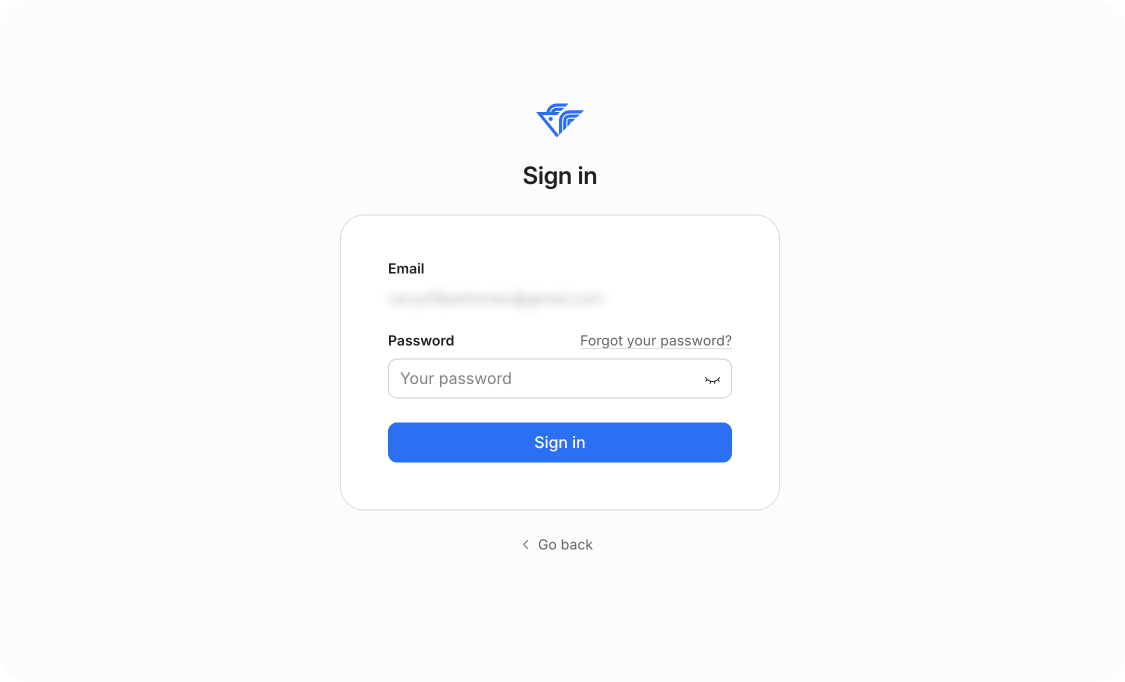
3. Click “I forgot my password”
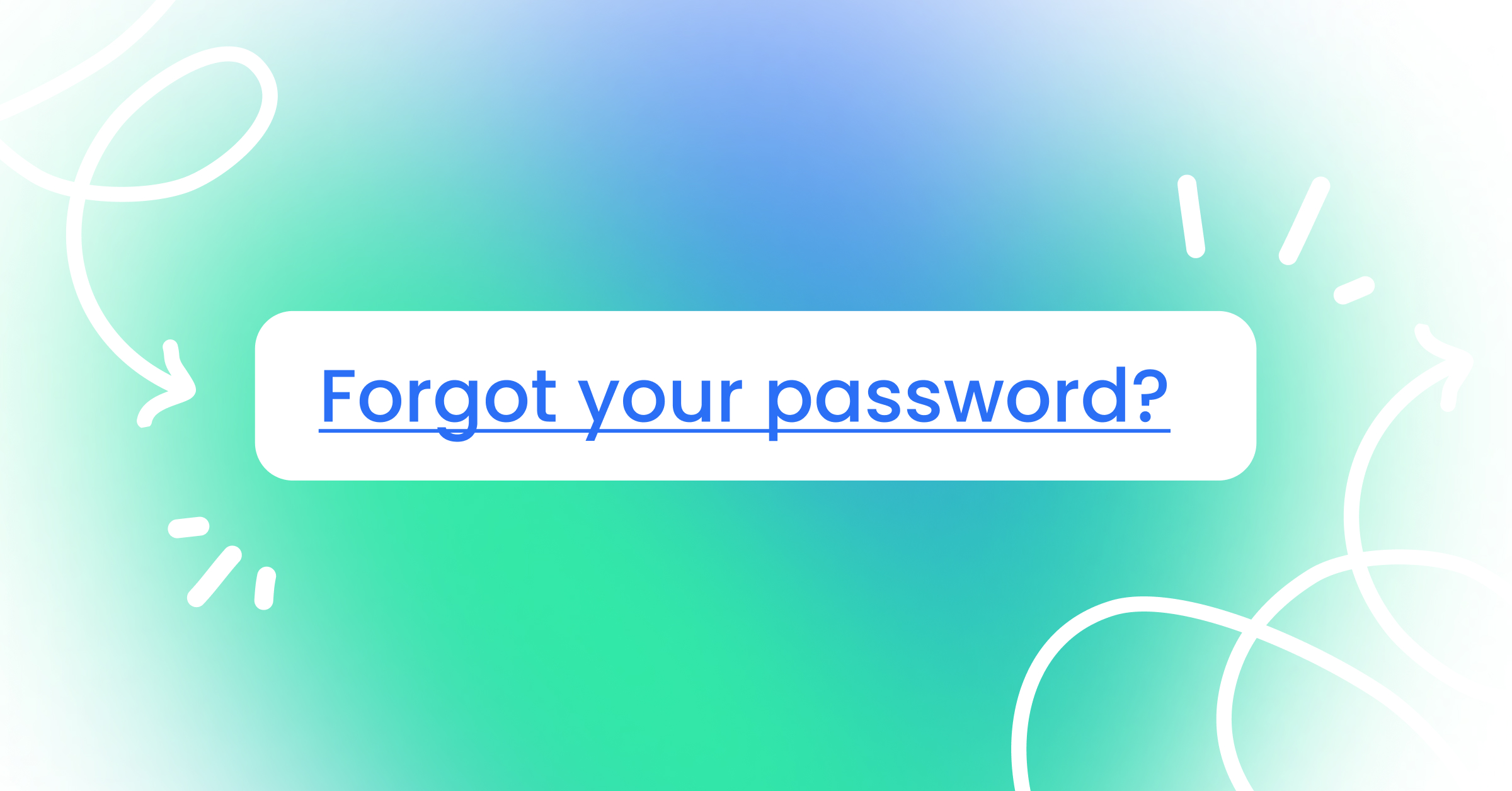
On the password input screen, click the “I forgot my password” link to start the reset process.
4. Enter the email for password recovery
After clicking the link, you will be asked to enter the email address where the password reset instructions should be sent.
Make sure you enter the correct email.

5. Check your email
You will receive an email with a secure link to reset your password.
If you don’t see the email, check your spam or junk folder.
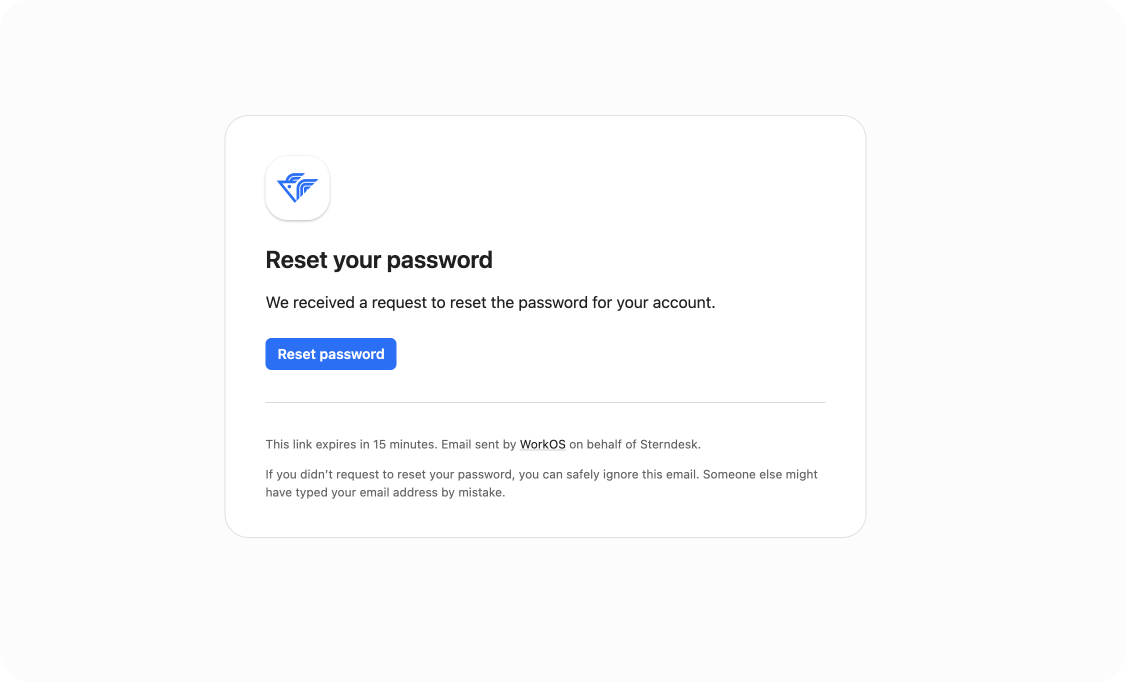
6. Open the link and create a new password
Open the password reset email, click the link inside, and follow the instructions to create your new password.
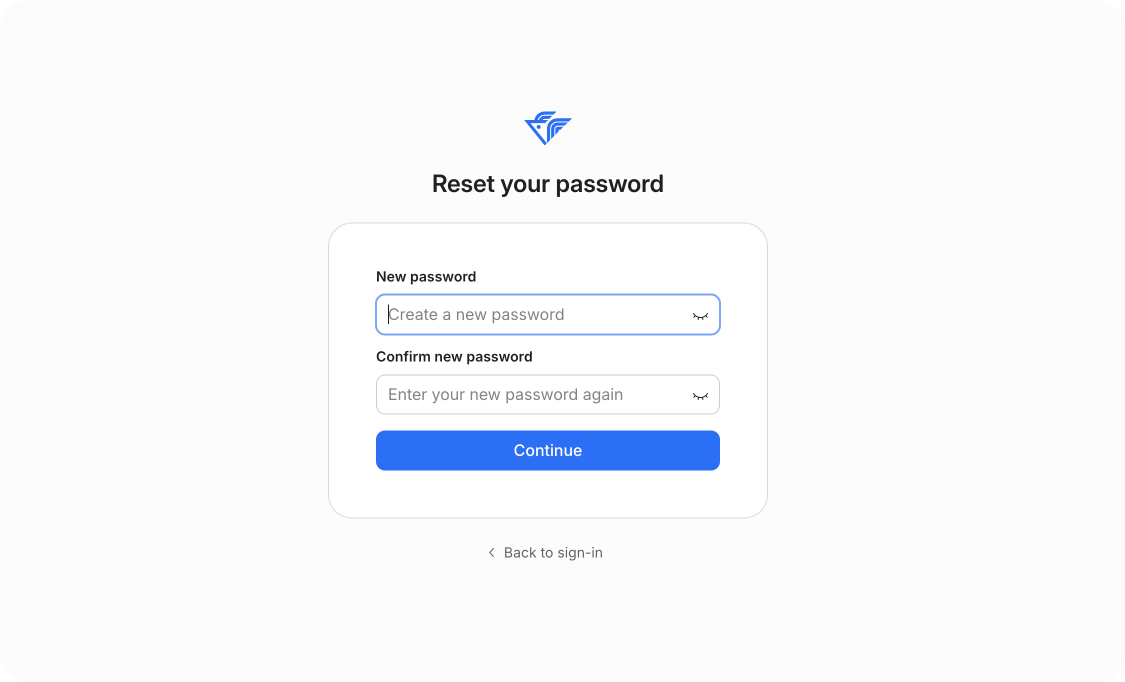
7. Log in with your new password
Return to the login page and sign in using your updated password.
Can't find what you're
looking for?