What happens if someone applies for the job?
When a candidate applies for a job through your Career Site, Sterndesk automatically creates or updates the candidate profile and creates an application for the selected job posting.
This allows recruiters to manage the candidate throughout the hiring process without manually entering information.
Candidate Profile Creation
When an application is submitted, Sterndesk checks whether the candidate already exists in your database.
New Candidate
If the candidate does not exist, Sterndesk creates a new candidate profile and extracts information from the submitted documents.
Existing Candidate
If the candidate already exists, Sterndesk updates the existing profile instead of creating a duplicate candidate.
Any newly submitted documents are added to the existing profile.
Learn what information is available in the profile:
What Can You See in a Candidate Profile?
Application Creation
Every job application creates a separate application record.
An application connects a candidate to a specific job posting and allows recruiters to track their progress through the hiring process.
A candidate can have multiple applications if they apply for multiple job postings.
Pipeline Assignment
After the application is created, it is automatically added to the pipeline associated with the job posting.
New applications are placed in the New stage by default.
Recruiters can then move the application through the recruitment process as needed.
Reviewing Applications
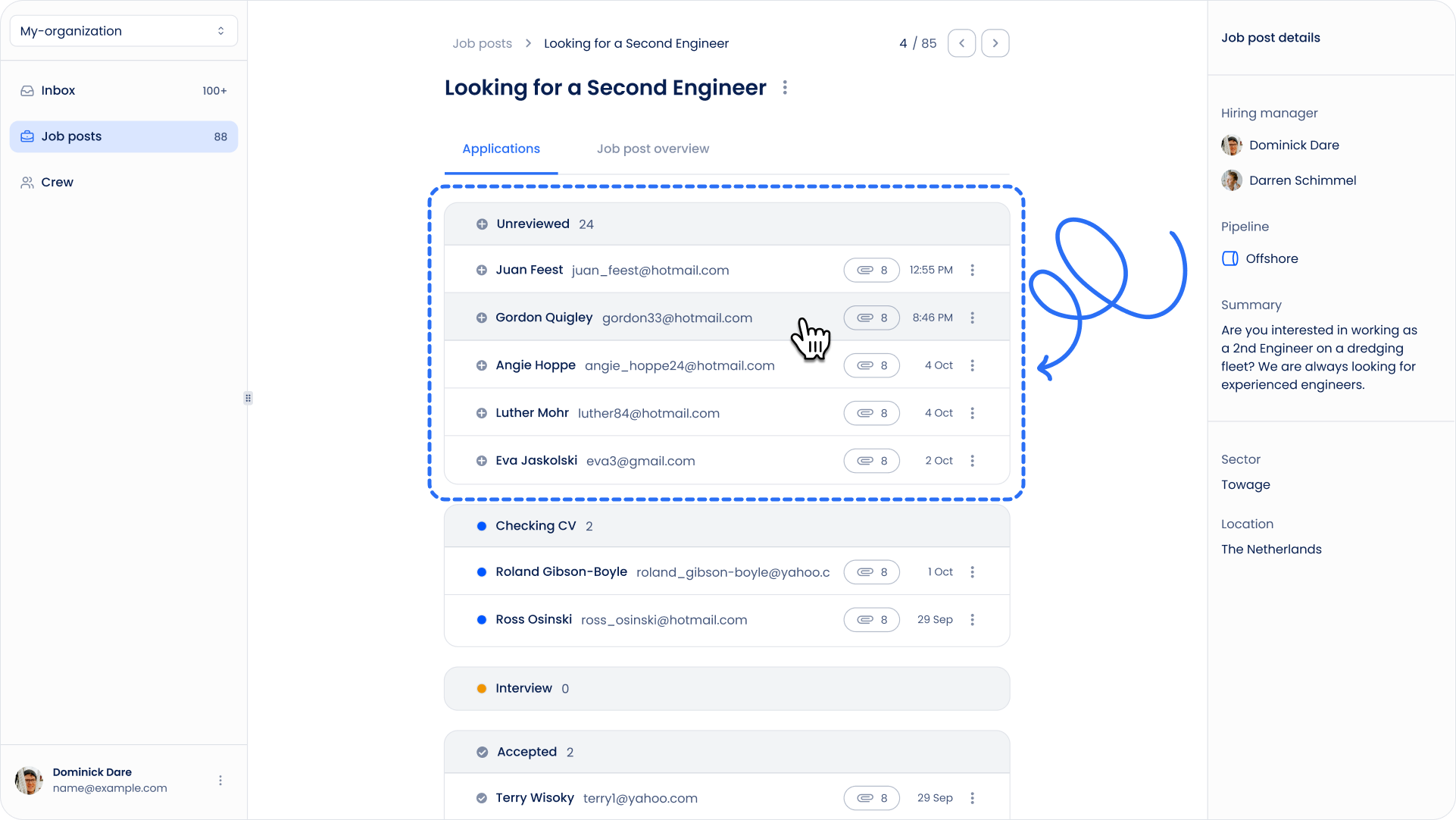
Applications can be reviewed from:
- The Job Posting page
- The Pipeline tab
- The Candidate Profile
This makes it easy to see both the candidate's overall profile and their progress for a specific vacancy.
Automatic Confirmation Email
After submitting an application, the candidate automatically receives a confirmation email.
This email confirms that the application has been received successfully.
Administrators can customize the confirmation email template in Sterndesk settings.
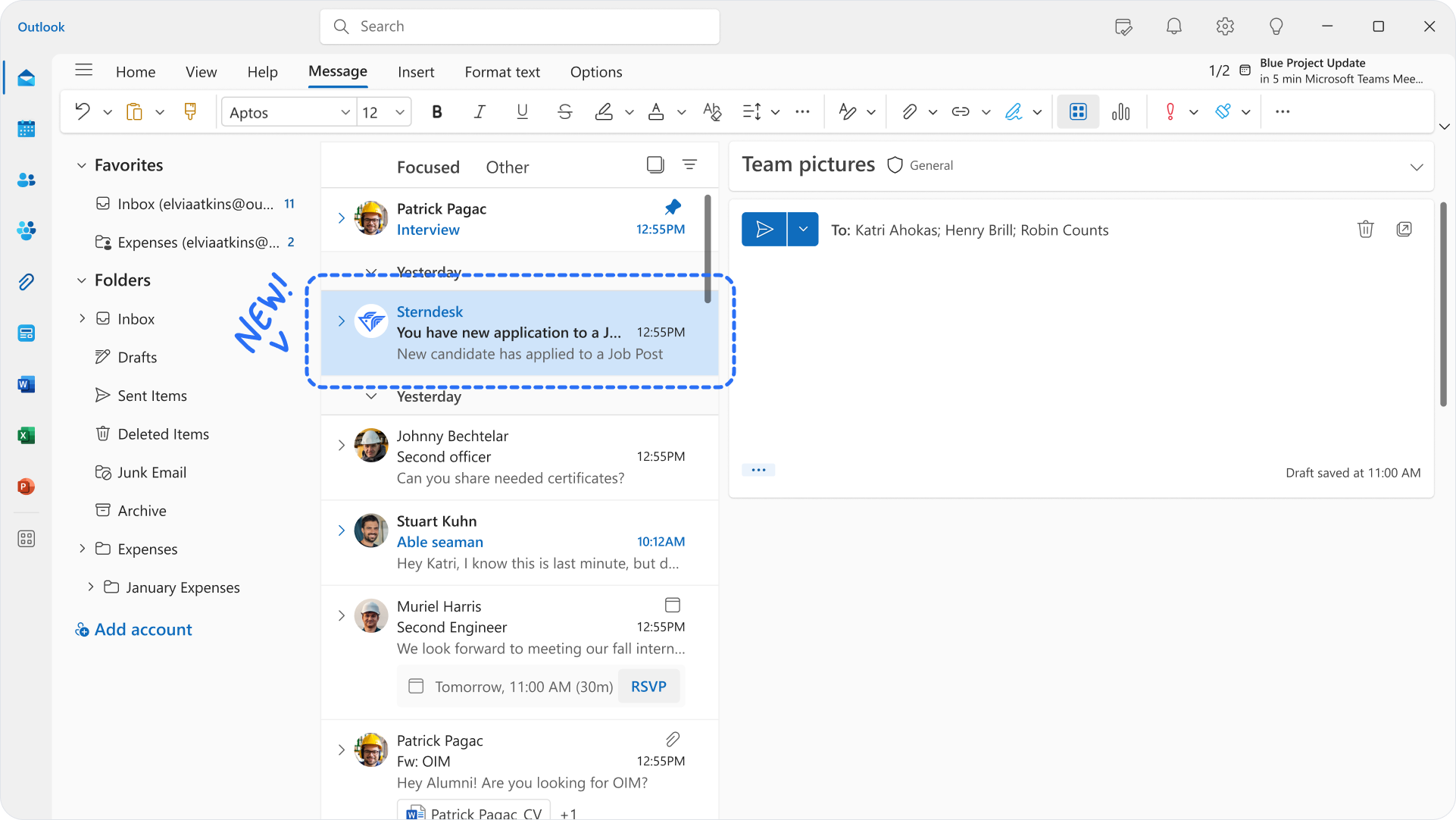
At the same time, Sterndesk sends an email notification to your company, informing recruiters that a new application has been received and is ready for review.
Managing the Candidate
Once an application has been received, recruiters can:
- Review candidate documents
- Move the application between pipeline stages
- Contact the candidate
- Track hiring progress
All activity related to the application remains connected to both the candidate profile and the job posting.
Need additional files from the candidate?
How to Send a Document Request?
Can't find what you're
looking for?