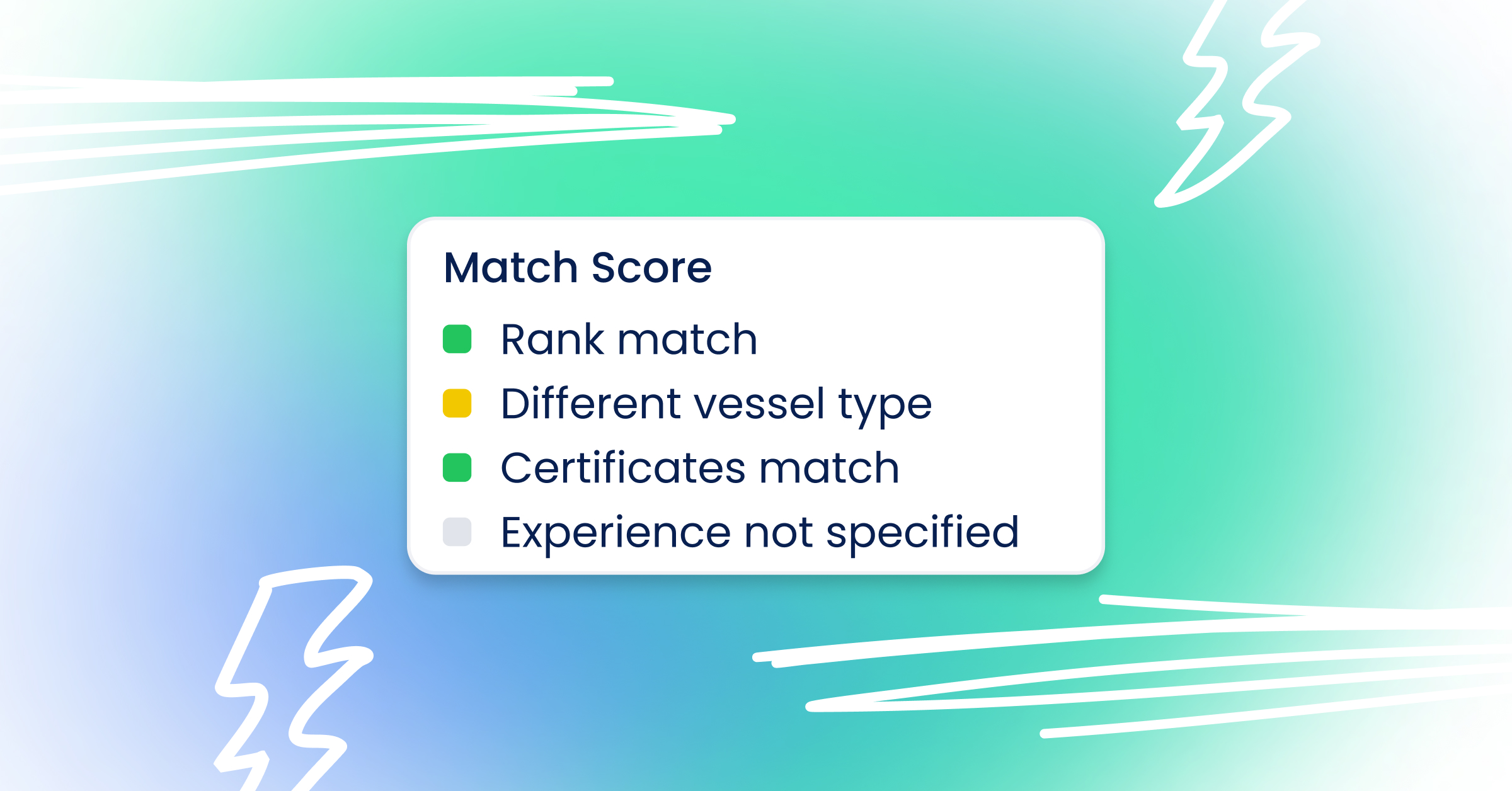
How to post a vacancy?
Creating a vacancy in Sterndesk allows you to publish job opportunities, receive applications, and manage candidates through your recruitment pipeline.
Before You Start
To receive applications through your Career Site, make sure your Career Site is activated. Learn how to set up your Career Site.
Go to Settings → Career Site and activate your Career Site if it is not already enabled.
Create a Vacancy
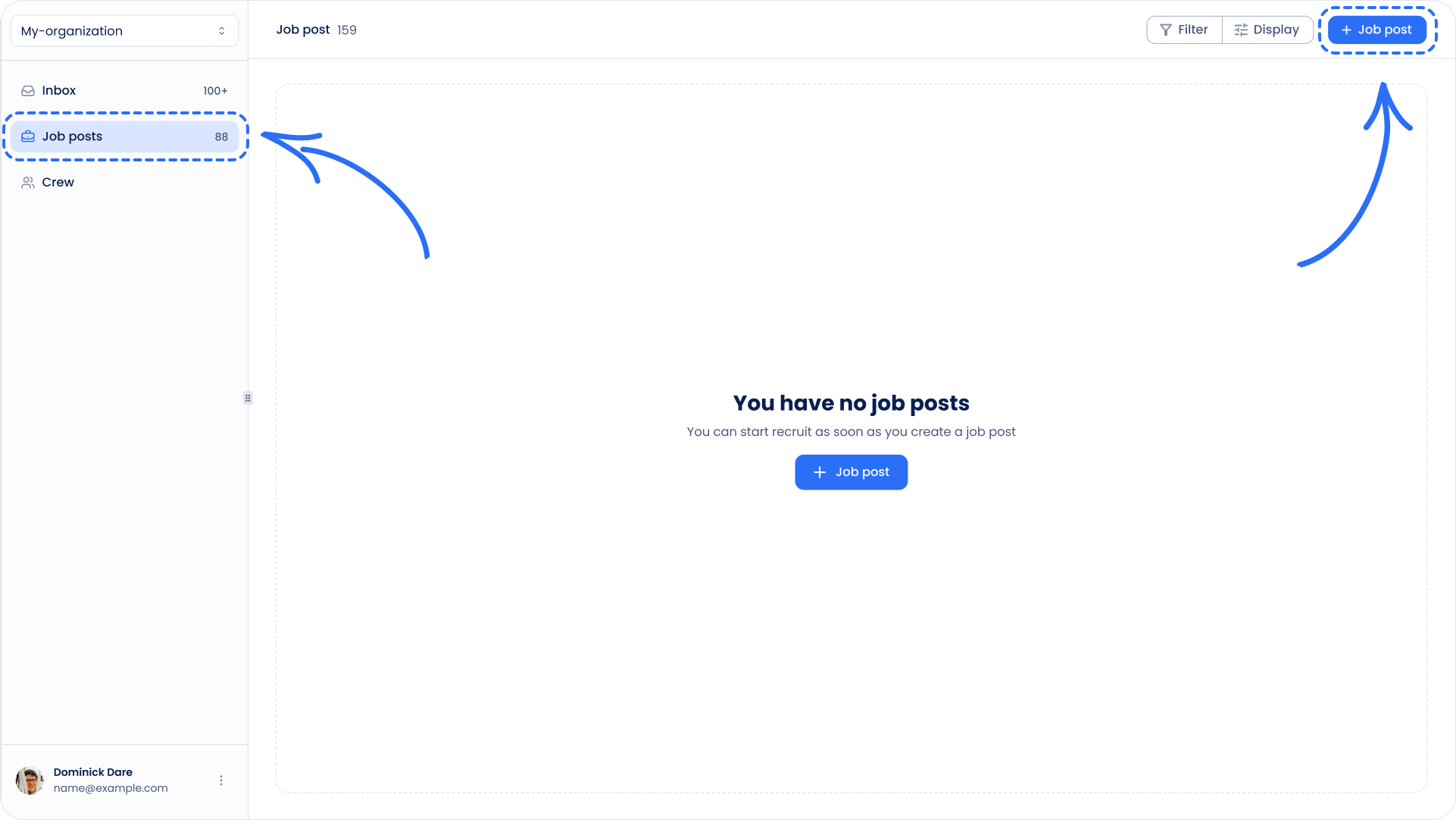
- Navigate to Job Postings.
- Click Create Job Posting.
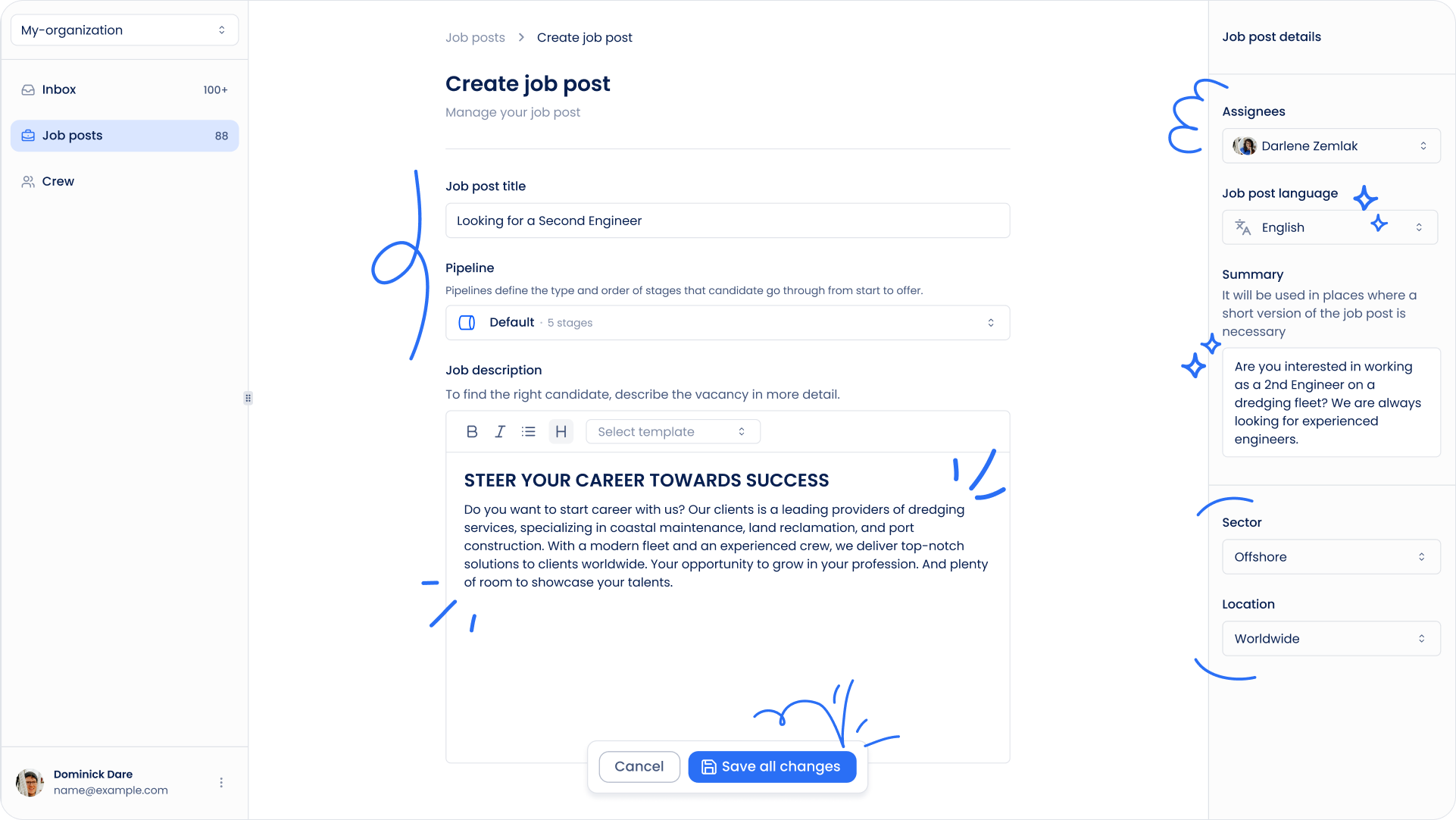
- Complete the vacancy details, including:
- Job title
- Rank
- Vessel type
- Required experience
- Required certificates (if applicable)
- Job description
- Select the pipeline that will be used to manage candidates for this vacancy. Not sure which pipeline to use? Learn how pipelines work.
- Save the vacancy.
Publish the Vacancy
Once the vacancy is created, it can be published to your Career Site.
Published vacancies become visible to candidates and can start receiving applications.
Learn what happens after someone applies:
What Happens When Someone Applies for a Job?
Managing Applications
When candidates apply through your Career Site, Sterndesk automatically creates an application and places the candidate into the selected pipeline.
You can review applications, move candidates between stages, and manage the hiring process directly from the vacancy.
Adding Existing Candidates
You can also add existing candidates from your database to a vacancy.
Open the vacancy and use Add Candidate to create a new application for an existing candidate without creating a duplicate profile.
How Do I Add an Existing Candidate to a Job Posting?
Open and Closed Vacancies
Vacancies can have one of two statuses:
Open
Open vacancies are visible on the Career Site and can receive new applications.
Closed
Closed vacancies are no longer accepting applications, but all candidate applications and recruitment history remain available for review.
When recruitment is finished, learn when to close the vacancy:
When Should I Close a Vacancy?
Can't find what you're
looking for?