Where to start at Sterndesk?
Welcome to Sterndesk ATS.
Sterndesk helps recruitment teams manage candidates, job postings, applications, and hiring pipelines in one place.
If you're getting started with Sterndesk, follow these steps to set up your workspace and begin receiving applications.
Step 1: Set Up Your Career Site
Before candidates can apply for jobs, you need to activate your Career Site.
To do this:
- Go to Settings → Career Site.
- Configure your Career Site settings.
- Activate your Career Site.
Once activated, your Career Site becomes publicly accessible and can display your open job postings.
Learn more: How Do I Set Up My Career Site?
Step 2: Create a Job Posting
Job Postings are used to advertise vacancies and manage applicants.
To create a job posting:
- Navigate to Job Postings.
- Click Create Job Posting.
- Enter the vacancy details.
- Select a pipeline.
- Publish the job posting.
Published vacancies automatically appear on your Career Site.
Learn more: How to Post a Vacancy?
Step 3: Add Candidates
Candidates can enter Sterndesk in several ways:
Career Site Applications
Candidates apply directly through your Career Site.
Sterndesk automatically creates a candidate profile and application.
Email Import
Forward candidate documents to your unique Sterndesk import email address.
Sterndesk processes the documents and creates or updates the candidate profile automatically.
Learn more: How to Import Candidates via Email?
Existing Candidates
You can also add existing candidates from your database to a job posting.
How Do I Add an Existing Candidate to a Job Posting?
Step 4: Manage Candidates
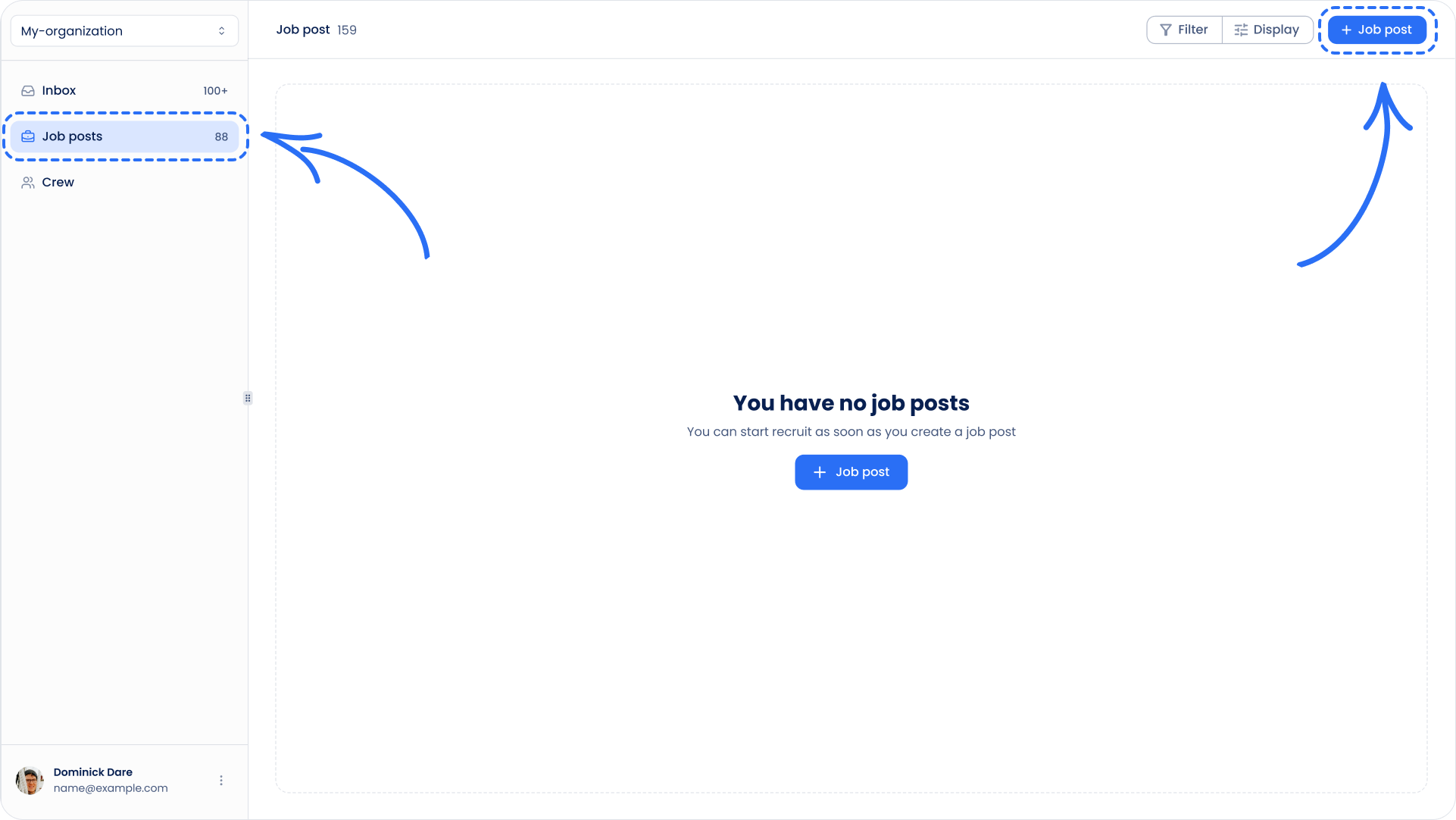
The Candidates page contains your candidate database.
Here you can:
- Search for candidates
- Filter candidates
- Save frequently used filters
- Review candidate profiles
- Manage candidate tags
Learn more: How Do Candidate Search, Filters, and Saved Filters Work?
Step 5: Review Candidate Profiles
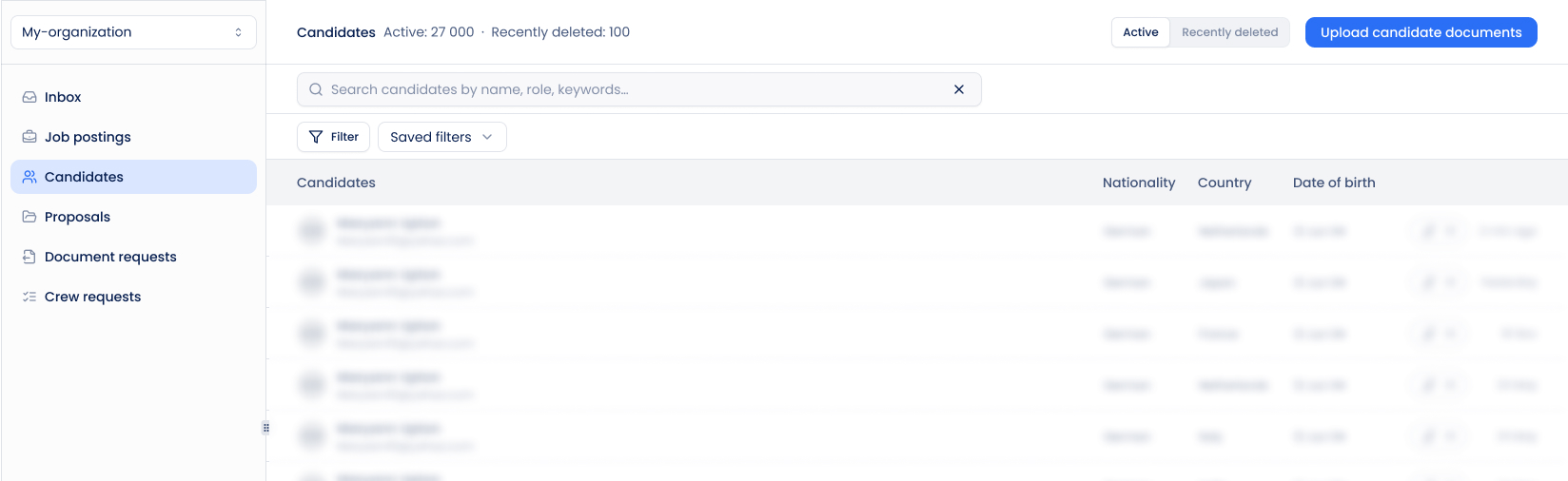
Each candidate has a profile containing:
- Personal information
- Contact details
- Documents
- Experience
- Applications
- Pipeline activity
Learn more: What Can You See in a Candidate Profile?
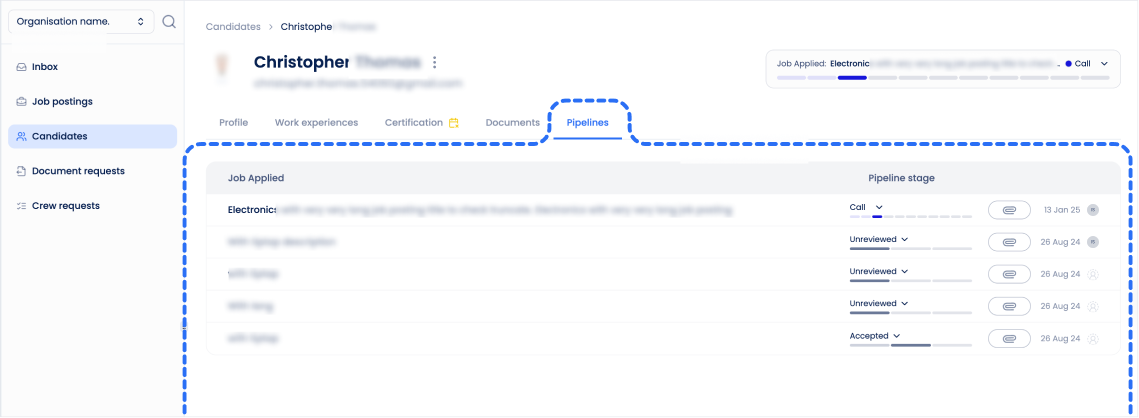
Step 6: Manage Applications in Pipelines
Every application belongs to a job posting pipeline.
Pipelines help recruiters track candidate progress throughout the hiring process.
Applications are automatically added to the New stage and can be moved to other stages as the recruitment process progresses.
Learn more: How to Use Pipelines?
Step 7: Invite Your Team
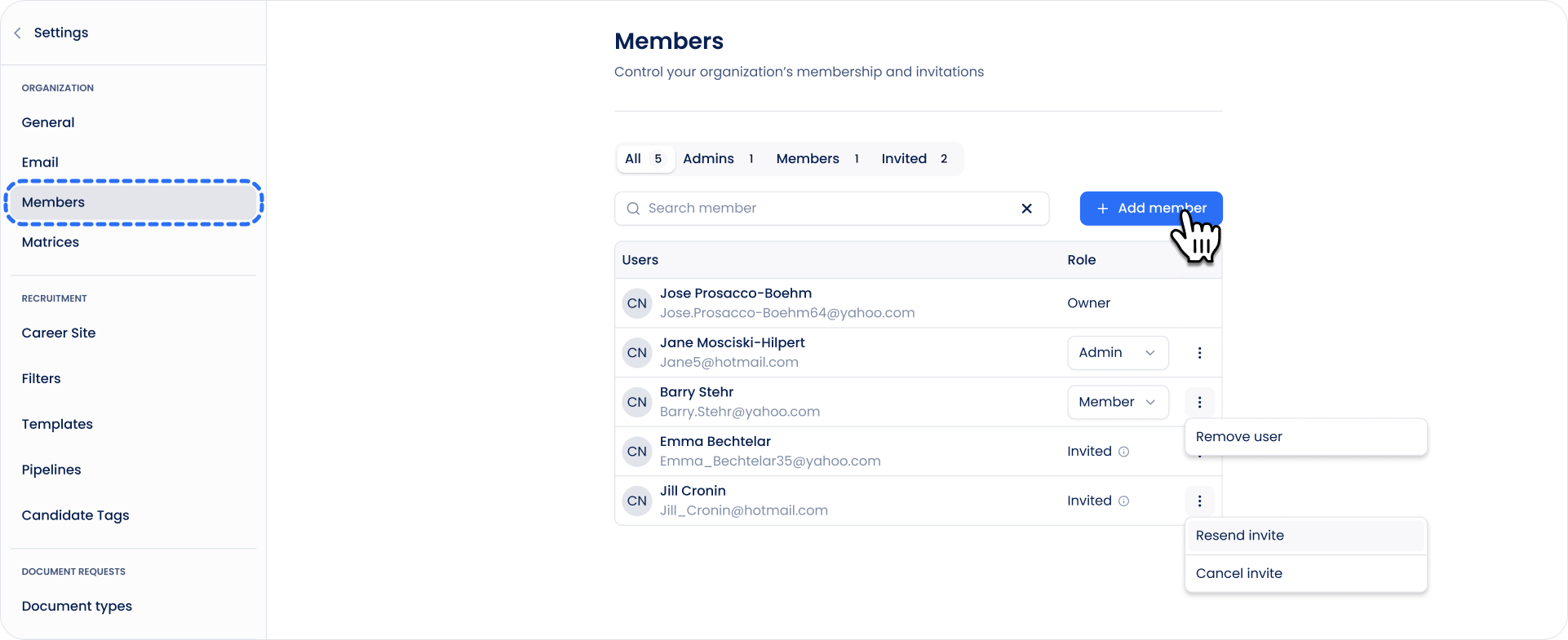
Invite colleagues to collaborate in Sterndesk.
To manage team members:
- Go to Settings → Members.
- Invite new users.
- Assign roles and manage access.
Learn more: How Do Roles and Permissions Work?
Learn more: How Do I Manage Members in Sterndesk?
Next Steps
Once your Career Site is active and your first job posting is published, you are ready to start receiving applications and managing candidates in Sterndesk.
Learn what happens after someone applies:
What Happens When Someone Applies for a Job?
Can't find what you're
looking for?